Fast Downloader - Video Player
- 4.2
- Rating
- 1.00M
- Installs
- Free
- Price

 Analysis by App-foxy
I tried Fast Downloader - Video Player as a practical tool for saving website videos and playing them later, and my first impression was straightforward: it is built around speed and a less exposed browsing experience rather than a long list of editing controls. That focus makes sense for people who regularly find useful clips online and want them available without returning to the original page every time.
The app comes from Dhvankit and sits in the video players and editors category. It is free to use, carries a Teen content rating, and supports Android 8.0 or later. Its current release is version 2.1.0, while the app itself was released on October 23, 2025. Those details matter because this is a relatively new tool, so I would judge it as a focused downloader that is still establishing its place rather than as a mature replacement for every video app on a phone.
How Fast Downloader - Video Player feels in everyday use
I find this app easiest to judge by asking whether it fits the way a household actually shares a phone, not just whether one person can save a clip. In the next section, I look at the small setup choices that help keep one person’s video library from becoming everyone’s by accident, while staying mindful that a downloader is not a substitute for separate device accounts.
You May Also Like

 Blood Strike: 2.5 Anniversary
Blood Strike’s Loadouts Turn Every Drop Into a Tactical Gamble
A close look at Blood Strike’s custom loadouts: how fast access to signature weapons reshapes its battle royale rhythm, rewards preparation, and narrows the gap between fights.

 Pandora - Music & Podcasts
Pandora’s Music Is Easy to Start, but Harder to Recover
Pandora’s strength is its low-effort path from a seed to a station. Its weak spot is how much confidence it asks you to place in connection, setup, and quiet recovery.

 8 Ball Pool
 Is Built on Rivalries, Rematches, and Routine
A close look at the rivalries, rematches, shared routines, and unanswered safety questions that turn a quick pool match into a persistent mobile community.

 Samsung Music
’s Quiet Strength Is Playing What You Already Own
Its reach comes less from spectacle than from dependable access to a personal library. That simplicity is both the app’s strongest retention engine and its ceiling.

 AccuWeather: Weather Radar
AccuWeather Review: A Quick, Clear Forecast for Everyday Decisions
For everyday plans, the best forecast is the one you can understand quickly. AccuWeather makes rain timing, radar, and local conditions easy to act on, with a few trade-offs.

 Hill Climb Racing
Why Hill Climb Racing Still Turns Crashes Into One More Run
A tiny car, a bumpy hill and one more upgrade: Hill Climb Racing keeps resurfacing because its simple chaos makes every near-miss feel personal.
More From Our News Desk



A simple job with a clear purpose
The main appeal is easy to understand. Instead of keeping a website open, I can use the app when I want a video stored for later viewing. That is useful for a commute, a place with unreliable reception, or a personal collection of tutorials and reference clips. The store summary emphasizes fast and private downloading, and that description matches the way I approached the app: as a focused utility, not as a social video platform or a full editing suite.
I also like that the app’s purpose is not hidden behind a complicated workflow. Someone who only wants to move from finding a video to watching it later does not need a timeline, filters, transitions, or publishing tools. The built-in player gives the app a more complete role than a downloader that simply leaves files in a folder and expects the user to find another application.
That said, “fast” is not something I would treat as a guarantee for every website or network. Download performance depends on the source page, connection quality, file size, and whether the site permits the requested content to be retrieved. The useful expectation is that the app is designed to make the process direct, not that every video will arrive instantly.
A realistic use case
Imagine finding a repair demonstration before leaving home. I would save it while connected to a dependable network, check that the file appears in the app’s library, and then use the player when I need both hands free to follow the instructions. This workflow is more reliable than hoping a browser tab will remain available and load smoothly at the exact moment it is needed.
Another practical case is collecting short study references. I could keep several explanatory clips together, play them from one place, and avoid mixing them with camera recordings or unrelated messaging attachments. The value is not just downloading a single video; it is reducing the small amount of friction that appears when useful web content is scattered across browser history, saved pages, and different apps.
Privacy as a practical benefit
The privacy angle is also relevant, but I interpret it carefully. A dedicated downloader can reduce the need to revisit a website repeatedly, which may feel more comfortable when I am handling personal viewing habits or using a shared device. It can also make offline viewing less dependent on a live browsing session.
However, privacy is not the same thing as invisibility. Downloaded files still exist on the device, and anyone with access to the phone may be able to find them depending on how Android exposes stored media. I would therefore avoid treating the word “privacy” as a reason to save sensitive material casually. The better use is keeping ordinary viewing separate from constant web browsing, while still using normal device security.
Where it compares well with ordinary alternatives
The usual alternative is simply leaving videos in a browser’s bookmarks or history. That costs less effort at the beginning, but it leaves me dependent on the website, its connection, and its page layout. Fast Downloader - Video Player is more useful when I know I will need the video away from the original page.
Another alternative is a general file manager combined with a separate media player. That route can work, but it divides the task between two places. The advantage here is concentration: downloading and watching belong to the same video-focused experience. I would choose a general file manager instead when I need extensive folder organization, renaming, transfers, or handling many file types beyond video.
It is also different from a streaming subscription app. Streaming services are usually better for licensed catalogs, recommendations, and account-based libraries. This app is aimed at website videos that I have chosen myself. If my priority is discovering professionally organized content inside one catalog, a streaming service is the better fit. If my priority is retaining selected web videos for later, this focused tool is more relevant.
What the current release tells me
Version 2.1.0 is the release I would evaluate today, and I see it as evidence that the app has moved beyond a purely initial launch state. The product has a defined identity: website video downloading paired with playback. That is more useful than chasing every possible media feature, because the core task remains easy to explain.
I would not read the version number as proof that every website behaves identically or that the app has solved every edge case. Download tools are especially sensitive to changes on external sites. A page may present a video in a way that is easy to recognize one day and harder to process after a site redesign. The release gives the app a current baseline, but the real test for me remains how consistently it handles the sites I personally use.
The app has reached over a million installs and holds a 4.5 average from around 8.7 thousand ratings. That level of adoption suggests it is not an obscure experiment, while the small review count shown alongside those ratings means I would still rely more on my own workflow than on assuming every user has the same experience. The numbers are encouraging, but they do not remove the need to test a favorite website before depending on it.
How existing users may experience the update path
For someone already using an earlier build, the most important question is whether the current version keeps the central routine familiar. A downloader is successful when the user can find a video, start the transfer, locate the result, and play it without relearning the whole app after each update. I would value stability and predictable handling more than decorative changes.
New users should begin with a small, nonessential video rather than immediately building a large offline library. That approach makes it easier to learn where downloads appear, how playback behaves, and whether a particular website works as expected. It also prevents a frustrating situation in which a user discovers a source-specific limitation only after relying on the app for an important trip or project.
One useful habit is to verify the downloaded copy before leaving a reliable connection. I would start playback, move through the clip, and make sure the file is genuinely available rather than merely listed as a recent item. This is a small step, but it separates a dependable offline workflow from an assumption that a download completed simply because a button was pressed.
Important trade-offs before making it your main video tool
The first trade-off is control versus simplicity. A focused downloader is pleasant when I want a short path from website to playback. It may be less satisfying if I expect detailed queue management, advanced sorting, conversion options, subtitle workflows, or editing controls. The category label includes video players and editors, but I would not buy into the idea that this replaces a dedicated editor for trimming, color work, captions, or production tasks.
The second trade-off is convenience versus content responsibility. Saving a video can be technically easy while still raising questions about the rights attached to that material. I would use the app for content I am allowed to save and keep in mind that a website’s terms or a creator’s wishes may limit downloading. The tool should make a legitimate personal workflow easier, not encourage copying material indiscriminately.
The third trade-off is local access versus storage management. Offline files are useful, but they occupy device space. I would periodically review older downloads, especially large clips that I watched once and no longer need. Keeping the library intentional makes the app feel fast and manageable; allowing it to become a dumping ground can make any downloader frustrating.
Who should use it, and who should skip it
I think it is a good match for Android users who frequently encounter useful website videos and want a direct way to save and watch them later. Students, travelers, people with inconsistent mobile reception, and anyone collecting instructional clips can benefit from that narrow focus. The free price also makes it easy to test without committing money first.
I would be more cautious if your main goal is editing. The app may belong to the broader video players and editors area, but the central identity is downloading and playback. For a serious editing workflow, I would choose an editor designed around cutting, arranging, sound, and export controls. Likewise, users who mainly watch content inside a subscription service may gain little from adding another app to their routine.
It is also not the right choice for someone who expects every website to behave like a supported media library. The app’s usefulness depends on the source. If most of your viewing comes from pages that restrict saving, change delivery methods often, or require account-specific access, the experience may feel inconsistent even when the app itself is working normally.
Small workflow improvements that make a difference
I would organize downloads by purpose rather than saving everything that looks interesting. A compact set of travel guides, recipes, lessons, or repair references is easier to use than a huge collection with no clear reason for being there. Since the app combines storage and playback, this approach helps the player remain a useful library instead of becoming another crowded folder.
I would also save the highest-value videos first when storage or connection time is limited. A short reference clip that I will use repeatedly deserves priority over a long video I might never finish. This sounds obvious, but it is one of the main benefits of treating the app as a personal offline tool rather than pressing download whenever a page happens to be open.
Finally, I would keep the app updated through its normal distribution channel and test important downloads after an update. External websites evolve, and a fresh release can change how a particular workflow behaves. Testing one familiar source after updating gives me an early warning without risking an entire planned library.
What I would watch as the app develops
Because the product is still relatively young, I would watch for improvements that make reliability clearer rather than simply adding more buttons. Better feedback around download progress, clearer handling of unavailable sources, and dependable library organization would have a direct effect on daily use. Those are the areas that determine whether a downloader becomes something I trust or just an app I open occasionally.
I would also pay attention to how the developer responds to changing website formats. That is the difficult part of this category: the app is not operating in isolation, and a successful experience depends on keeping pace with services outside its control. Consistent maintenance would matter more to me than a flashy redesign.
For now, my view is positive but measured. Fast Downloader - Video Player is strongest when you want a straightforward way to keep selected website videos close at hand and play them later. It is not a universal media manager, a streaming catalog, or a professional editor, and treating it as one would create disappointment. Used for its actual purpose, it offers a sensible bridge between web discovery and offline viewing.
I would recommend trying it with a few ordinary videos that matter to your routine, confirming that the playback and storage workflow suit you, and then deciding whether it deserves a permanent place on your phone. The free price lowers the risk, the current version gives the app a clear starting point, and its growing user base makes it worth considering. My final recommendation is for practical download-and-watch use, with realistic expectations about source compatibility, storage, and responsible saving.
FAQs for Fast Downloader - Video Player
01What features does Fast Downloader - Video Player offer?
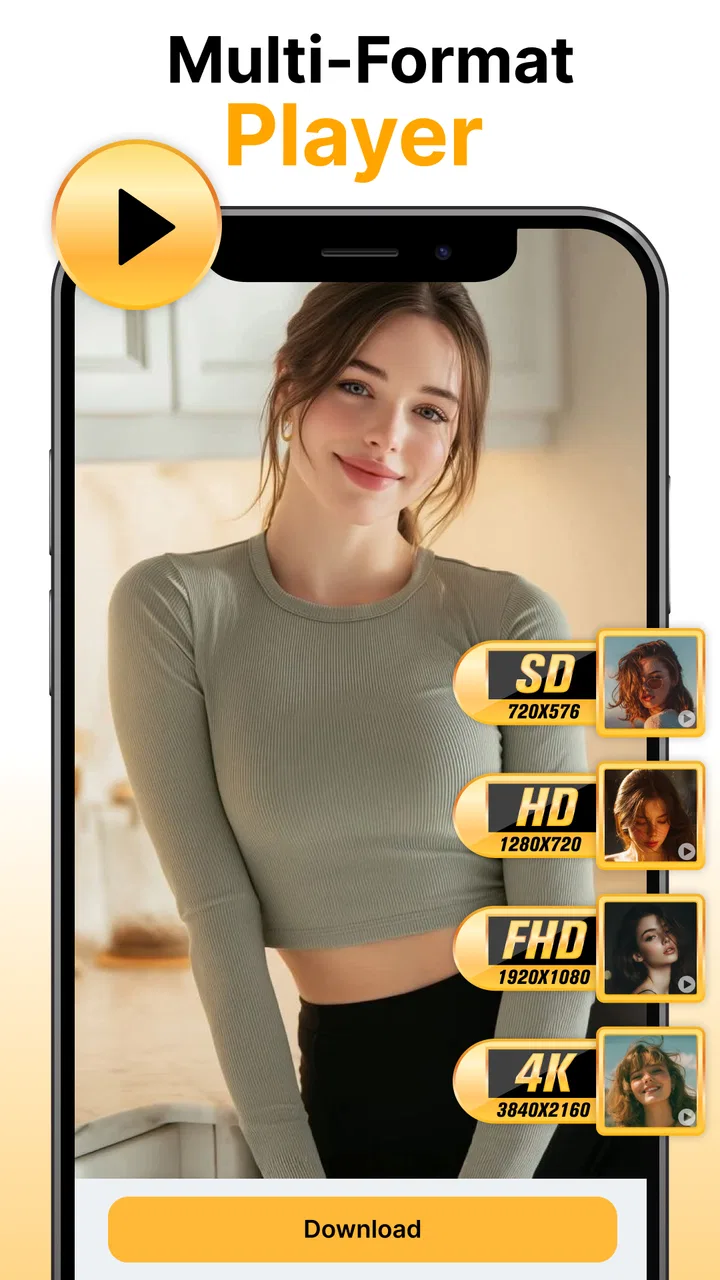
Fast Downloader - Video Player provides a seamless experience for downloading and playing videos from various platforms. Key features include high-speed downloads, support for multiple video formats, and an integrated media player that supports HD playback. Users can also organize their video library efficiently and enjoy an ad-free experience with the premium version.
02Is Fast Downloader - Video Player safe to use?
Yes, Fast Downloader - Video Player prioritizes user security and privacy. It ensures that all downloads are scanned for malware and viruses. However, users should always download the app from reputable sources like the Google Play Store or Apple App Store to avoid counterfeit versions that may compromise security.
03Does Fast Downloader - Video Player support all video formats?
Fast Downloader - Video Player supports a wide range of video formats, including MP4, AVI, and MKV. The app’s built-in video player allows users to watch videos without needing additional codecs or players. However, users should ensure their device’s hardware supports the desired playback quality, especially for high-definition formats.
04Can I use Fast Downloader - Video Player offline?
Yes, once videos are downloaded using Fast Downloader - Video Player, they can be accessed offline through the app’s media player. This feature is particularly useful for users who want to watch content without an internet connection, such as during travel or in areas with poor connectivity.
05Are there any in-app purchases or subscriptions?
Fast Downloader - Video Player offers a free version with basic features and ads. For an enhanced experience, users can opt for in-app purchases or a subscription to remove ads, unlock premium features, and access faster download speeds. This allows flexibility based on individual user needs and preferences.
Pros
- Supports multiple video formats.
- Fast download speeds.
- User-friendly interface.
- Built-in media player.
- No ads in premium version.
Cons
- Free version contains ads.
- Limited features without subscription.
- Requires internet for downloads.
- No background downloads.
- Occasional crashes reported.

Fast Downloader - Video Player
Gallery